Before you install
Buy a plan first. You get a access by email.
Close conflicting overlays (Discord, GeForce Experience) that can block the loader.
- Windows 10 / 11 PC
- Disable conflicting overlays
- Have your order email ready
Install steps
Run the loader as admin, paste your access key, then launch Marvel Rivals.
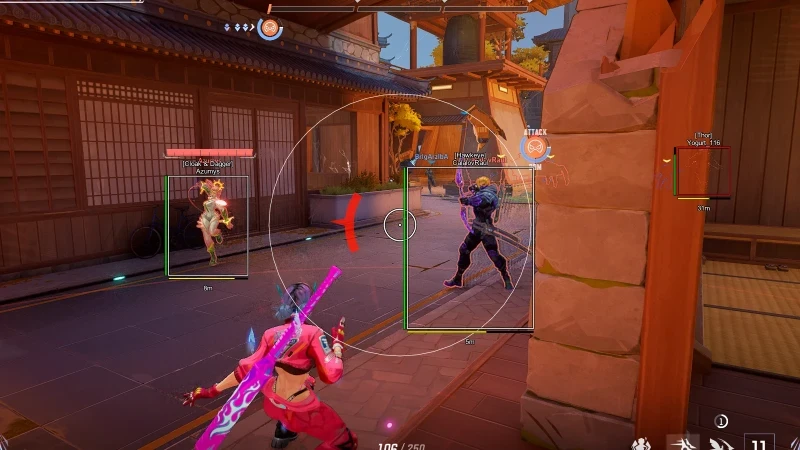
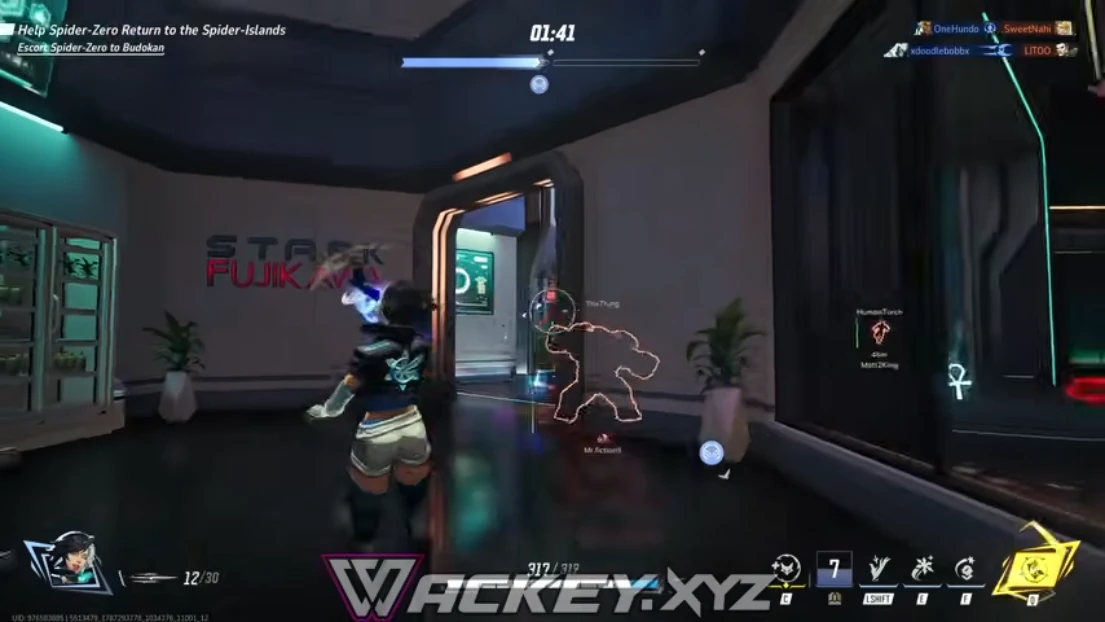
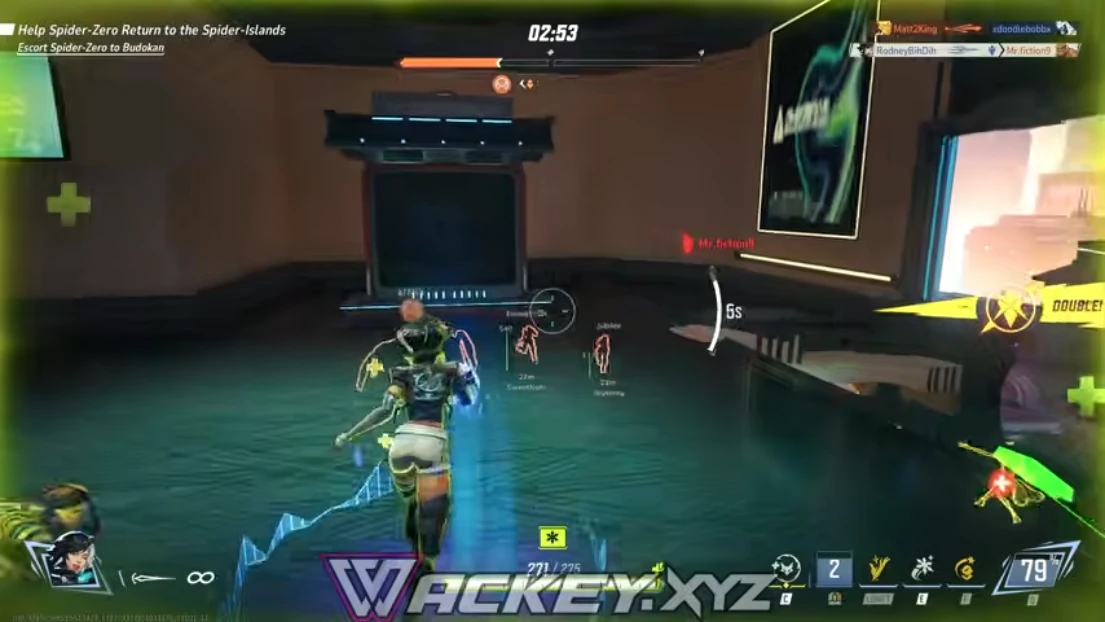
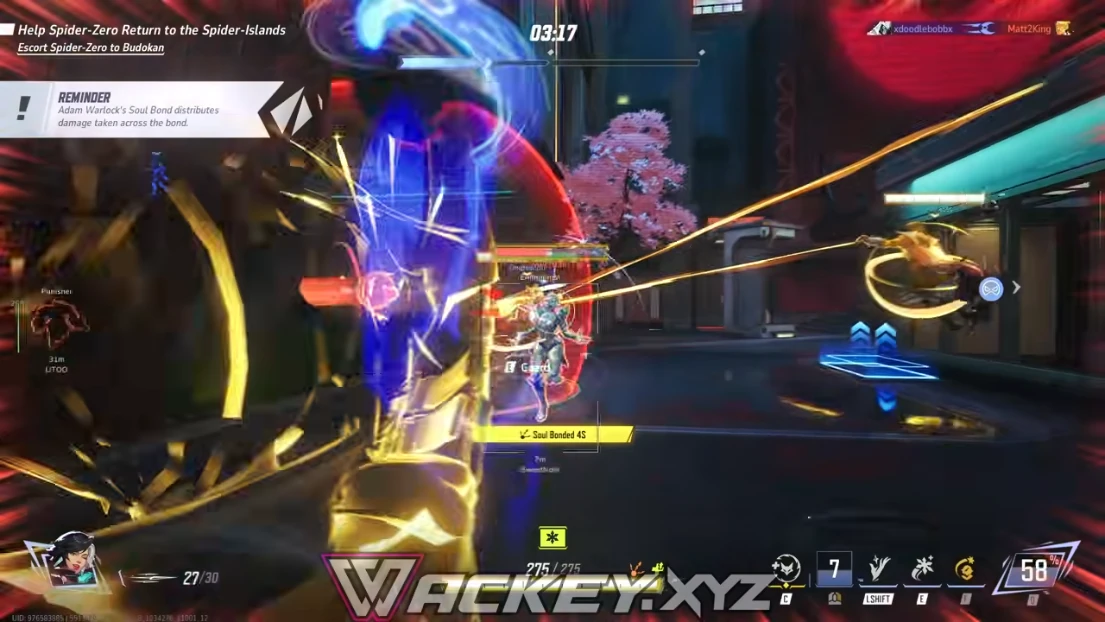
Open the in-game menu with the hotkey from your delivery email and load default ESP categories first.
- Download the loader from your delivery email
- Paste access key
- Launch the game
If something fails
Check Status after a patch. Windows Defender may flag the loader on first launch — allow it or pause real-time scan briefly.
Email support with your order ID if activation still fails.