What to Do After a Marvel Rivals Patch
Game patches change heroes, maps, and timing. Read the note once, check our Status page if you use tools, then queue with a plan.
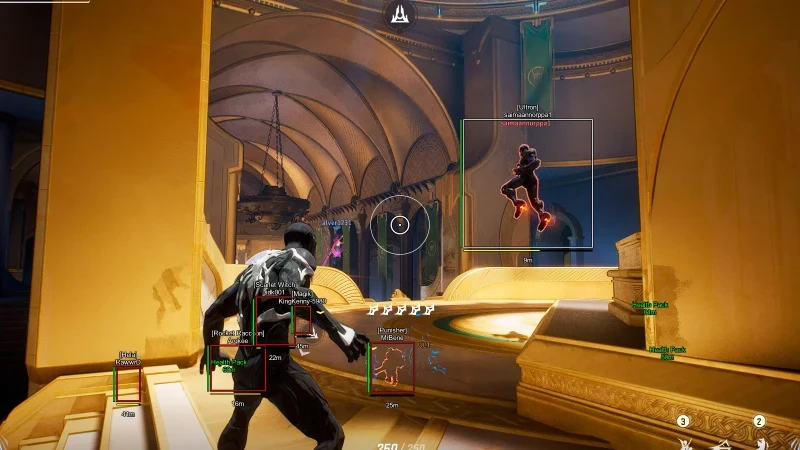
Read the official note first
Patch details ship on Marvel Rivals. Look for hero buffs, map fixes, and mode changes — not just headline skins.
Ask: did any hero you main get stronger, weaker, or reworked?
Check Status before you play
After a big client or Status page update, open our Status page page. If we are rebuilding, wait for the green note.
Playing on an old build after anti-cheat updates is how accounts get flagged.
Adjust one thing at a time
If aimbot or ESP feels off after a balance patch, retune FOV and smoothness before you raise strength.
Use Features and Aimbot controls as reference — one small change per match.