Aimbot Settings Guide
Good aimbot settings look like clean mouse movement. Start low, test in quick match, then adjust.
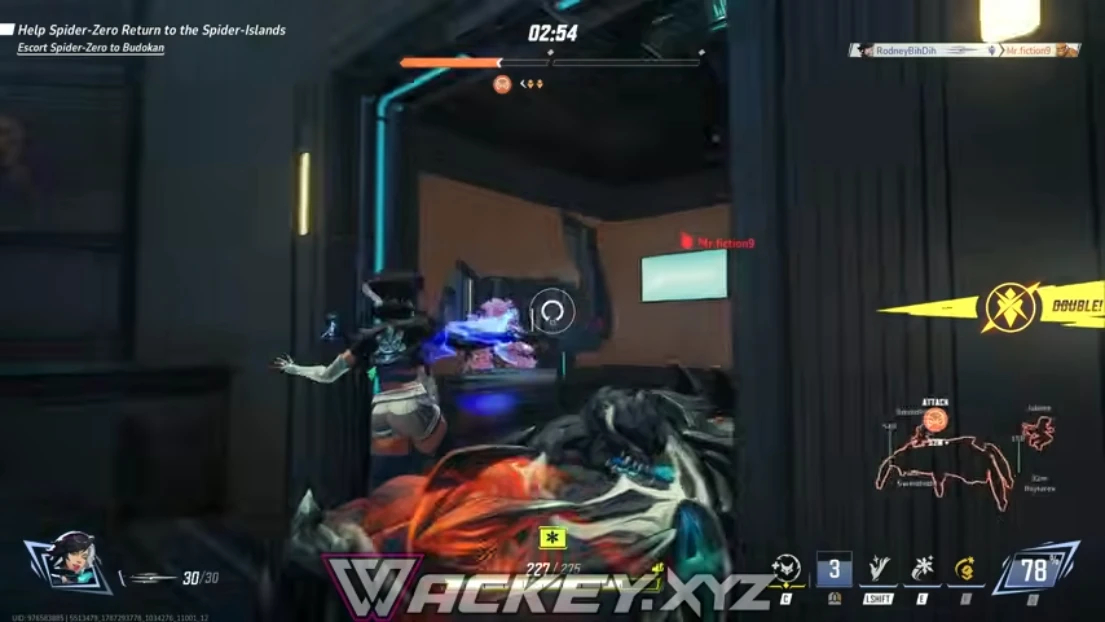
FOV and smoothness
Small FOV keeps lock natural. Higher smoothness slows snap — good for long sessions.
Raise one slider at a time so you know what changed.
Bone priority
Chest shots look natural on most heroes. Head priority is obvious in kill cams.
Match bone choice to hero hitbox size.
Hotkeys
Bind toggle keys so you can disable aimbot in kill cams or clips.
Aimbot controls and Features list all combat controls.