ESP and Aimbot Settings
Default settings work for testing. For ranked, lower noise and keep aimbot subtle.
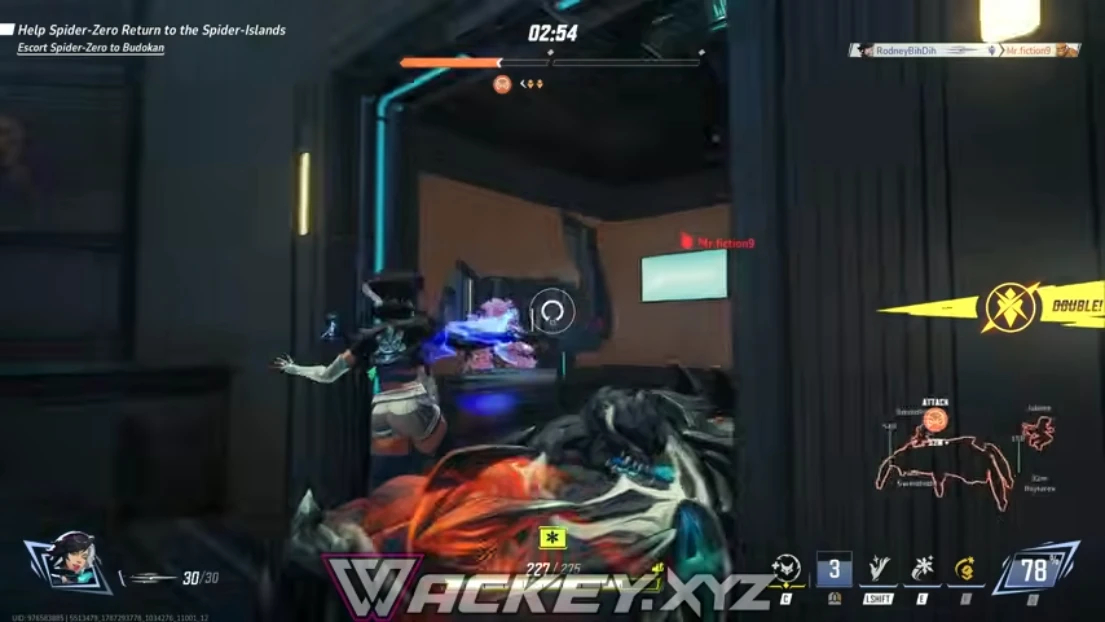
Start with clean ESP
Enable hero boxes, health bars, and ult bars first. Turn off extra clutter.
Lower opacity until you can still see the map art.
Radar range
Set radar range so you see flanks, not the whole map.
Pair with ESP when you push — radar alone does not win duels.
Soft aim baseline
Begin with low smoothness and small FOV. Raise only if you accept more risk.
Full control list: Aimbot controls and Features.